This site
How this site is built with Pattern Dump: one repository with a site and its style guide package, the exact pin, and two builds published together.
This site and its style guide live in one repository, as two npm workspaces. The site holds its pages and its config. Everything it looks like comes from the style guide, which is a pattern package of its own.
One repository, two workspaces
The root package.json names styleguide and site as its workspaces, so one npm install installs both and links the site to the style guide.
site/package.json names Pattern Dump and the style guide as its dev dependencies, and its two scripts run pd dev and pd build:
{
  "name": "@pattern-dump-docs/site",
  "version": "0.0.0",
  "private": true,
  "description": "The website: pages only. Its look comes from the style guide package (../styleguide).",
  "type": "module",
  "scripts": {
    "dev": "pd dev",
    "build": "pd build"
  },
  "devDependencies": {
    "@pattern-dump-docs/styleguide": "file:../styleguide",
    "pattern-dump": "0.9.0"
  }
}
The site's config
site/pattern-dump.config.ts names the style guide in packages and describes the site under site. It has no patterns, styles or themes of its own:
import { defineConfig } from "pattern-dump";
// The installed Pattern Dump's version, read when the site builds (pd bundles this file, inlining the JSON), so the
// home page's eyebrow follows the pin.
import patternDumpPackage from "pattern-dump/package.json" with { type: "json" };

// The production build sets these; the draft, local builds and CI leave them unset.
const siteUrl = process.env.PD_SITE_URL || undefined;
const analyticsKey = process.env.PD_ANALYTICS_KEY || undefined;

// Content only: no patterns, skin, styles or themes of its own. All of them come from the style guide package
// (../styleguide, linked as a file: dependency); its package.json ("patternDump") says where they are.
export default defineConfig({
  // Required by every config. This site builds no workbench of its own (build.workbench below), so nothing is
  // written here.
  outDir: "./dist/workbench",
  packages: ["@pattern-dump-docs/styleguide"],
  site: {
    pagesDir: "./pages",
    outDir: "./dist/site",
    // The style guide's own workbench, published beside the site under /workbench/ (the root's "pages" script).
    workbenchUrl: "/workbench/",
    // The site's address, from PD_SITE_URL; left out when it is unset.
    ...(siteUrl ? { url: siteUrl } : {}),
    categories: {
      notes: { label: "Notes", description: "Short articles about this site" },
    },
    // Search: pd build indexes every page with Pagefind once this workspace has it (npm install --save-dev pagefind
    // -w @pattern-dump-docs/site); organisms/search, from the style guide, is the search field.
    globals: { title: "Pattern Dump", footer: "Pattern Dump. Built with Pattern Dump.", patternDumpVersion: patternDumpPackage.version, ...(analyticsKey ? { analyticsKey } : {}) },
  },
  // The site only: its pages link into the style guide's own workbench at workbenchUrl.
  build: { workbench: false },
});
build.workbench: false makes pd build write the site only. outDir stays, because every config needs it, but nothing is written there. Without that key, pd build would also write a workbench of the site's own. That workbench would have to be built for /workbench/, the address in workbenchUrl, though nobody publishes it.
workbenchUrl is the address the site's pages link to for a component: the style guide's own workbench, published under /workbench/ on the same host. pd build of a project with a site requires it.
url comes from the environment variable PD_SITE_URL, read at the top of the config as siteUrl. Only the production build sets it. Everywhere else, on the draft, locally and in CI, it is unset, so pages have no canonical URL and no link-preview tags, and there is no sitemap. Each of those builds says so in a note: site.url is not set, so pages have no canonical URL, og:url, og:image or JSON-LD, and there is no sitemap: set site.url to the site's address, such as "https://example.com/".
globals holds the values every page shares. patternDumpVersion is read from the installed Pattern Dump's own package.json, for the home page.
The style guide package
styleguide/package.json describes the style guide as a pattern package, in its patternDump field:
{
  "name": "@pattern-dump-docs/styleguide",
  "version": "0.1.0",
  "private": true,
  "description": "The style guide: patterns, skin, styles and themes, packaged as a pattern package that the site installs.",
  "type": "module",
  "files": [
    "src/patterns",
    "src/styles",
    "src/scripts",
    "themes",
    "assets"
  ],
  "patternDump": {
    "patterns": "src/patterns",
    "styles": {
      "dir": "src/styles",
      "documentBase": [
        "base"
      ]
    },
    "themes": {
      "dir": "themes",
      "default": "system",
      "switch": "attribute"
    },
    "scripts": "src/scripts",
    "assets": [
      "assets"
    ]
  },
  "scripts": {
    "lint:css": "stylelint \"src/styles/**/*.scss\" \"themes/**/*.scss\"",
    "dev": "pd dev --port 4300",
    "audit": "pd audit",
    "typecheck": "tsc --noEmit",
    "build:scripts": "tsc",
    "build": "pd build"
  },
  "devDependencies": {
    "pattern-dump": "0.9.0",
    "postcss-scss": "4.0.9",
    "stylelint": "17.16.0",
    "typescript": "^5.9.0"
  }
}
Pattern Dump reads the field twice: for the site, to find the package's patterns, styles, themes, scripts and assets, and for the style guide's own workbench. The style guide's config leaves those folders out, and Pattern Dump takes each folder a config leaves out from the project's own patternDump field, before validation. A folder named in both places must match, or Pattern Dump stops with <config file>: the config and the project's own package manifest disagree, so the folders are named in the field only.
documentBase: ["base"] turns on the base layer, compiled from src/styles/base/. It is linked first in every preview, and before any layout or component stylesheet on every page of the site. themes.default is "system", the theme that follows the reader's light or dark setting.
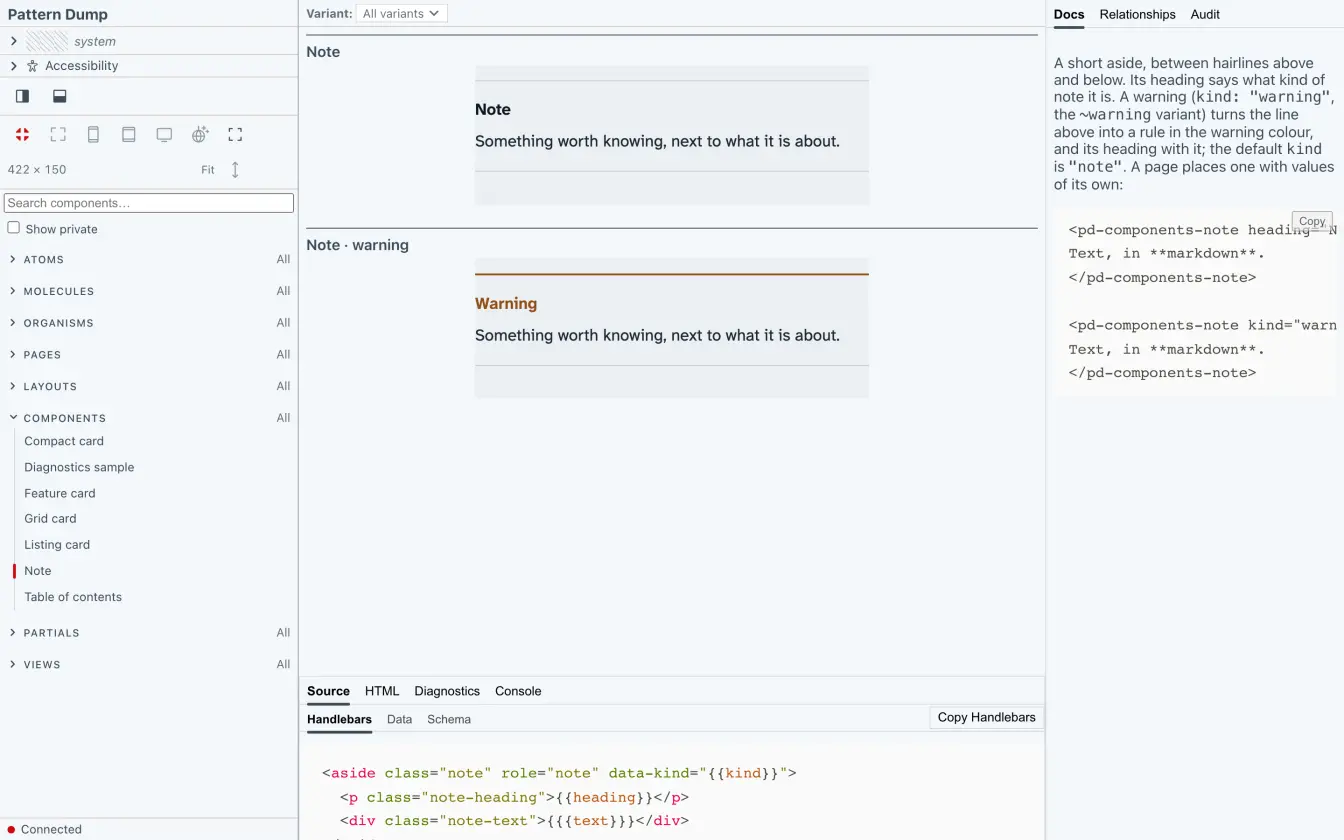
The exact pin
Both workspaces pin Pattern Dump to one version, "pattern-dump": "0.9.0", with no ^. An update is a change of its own: the version moves in both package.json files, and the pages that describe what changed move with it. The home page names the version the site is built with, read from the installed package.
Two builds, published together
The root's pages script builds both and puts them together:
"pages": "npm run lint:css && npm run build -w @pattern-dump-docs/site && npm run build -w @pattern-dump-docs/styleguide -- --base /workbench/ && node scripts/assemble-pages.mjs"
It checks the style guide's stylesheets with Stylelint, builds the site into site/dist/site/, then builds the style guide's workbench into styleguide/dist/, for the address /workbench/. scripts/assemble-pages.mjs copies the site into _site/ and the workbench into _site/workbench/.
.github/workflows/pages.yml runs npm ci and npm run pages -- --noindex on every push to main, and on demand, and publishes _site/ to GitHub Pages as the draft, draft.pattern-dump.design. --noindex keeps the draft out of search engines: robots.txt disallows everything, and every page carries a robots noindex. It checks the repository out with its full history, fetch-depth: 0, so that git's dates are there. A page without a date of its own is dated by its first commit, and JSON-LD takes its datePublished from git once site.url is set.
The production site, pattern-dump.design, is built by Cloudflare Pages from the same repository:
- Build command
npm ci && node scripts/pages-cloudflare.mjs- Output folder
_site- Node.js
- 24, from
.nvmrc, the version the draft's workflow uses. - Variables
PD_SITE_URLandPD_ANALYTICS_KEY, set for the production environment only. The first is the site's address, the second the key of its Ahrefs Web Analytics, which the head partial loads only when the key is set.
Cloudflare also builds every other branch and pull request, as previews on *.pages.dev. scripts/pages-cloudflare.mjs decides which build may be indexed: only the main branch with PD_SITE_URL set. It runs npm run pages for that one, and npm run pages -- --noindex for every other build, as the draft does. Production's robots.txt also keeps crawlers out of /workbench/: the workbench is a tool, not content. Before building, it fetches the full history if the clone is shallow, since the page dates come from git.
The checks every build passes
npm run build runs Stylelint on the style guide, then pd build on the site. Pattern Dump checks the site before it writes anything. A failure stops the build with nothing written, unless the check is set to warn, as the class check is here:
- Pages
- Every page is rendered first, and a problem on any page stops the build:
pd build: the site has problems, so nothing was written:, with one line per problem. - Links
- Every link on every page, links into the workbench included. A broken one stops the build. A link to another host is a note, not checked.
- Custom properties
- A
var()without a fallback that nothing defines stops the build. - Classes
- Every class on a page is checked against the style guide's. This site keeps the default,
"warning", so a stray class is listed, not fatal. - Accessibility
- A WCAG rule failing at critical or serious impact on any page stops the build, as does a page without exactly one
<main>and one<h1>. WCAG rules at moderate or minor impact, and every best-practice rule, are warnings.
The build ends with its report. Among its summary lines, from a build of this repository:
[pd build] workbench: not built (build.workbench: false); the pages link to it at /workbench/
[pd build] links: 836 references on 26 pages, none broken; 16 external, not checked (notes)
[pd build] accessibility: 26 pages, no errors
[pd build] classes: every class on the site's pages is the style guide's
[pd build] llms.txt: 19 pages
The notes after them are the missing site.url and the sixteen external links.
How the home page's map is built
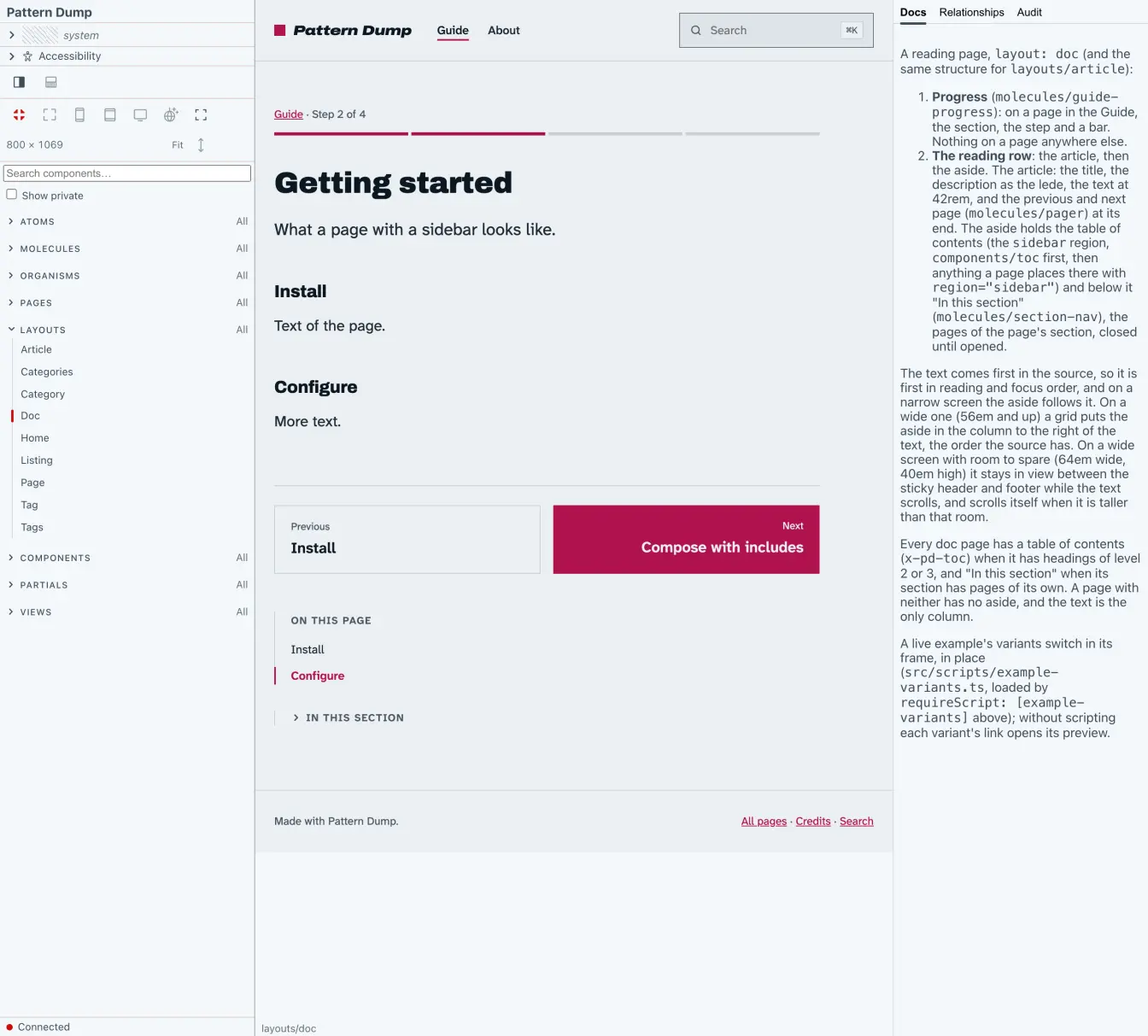
Nobody writes the home page's map by hand. It is the page map, placed by the home layout, and Pattern Dump fills it from nav. That navigation comes from the pages, one level deep: the top-level pages and folders, and each folder's pages as its children. Each entry has the page's route and title, and its description when the page has one.
Each folder with pages in nav becomes a group, headed by the title of its index.md, with its description as the line under it. You read the Guide in order, so its group is a numbered list. The pages come in their order, each with its description under the title. CSS draws the numbers, and the markup hides them from screen readers.
A page with nav: false is not in nav, so the map leaves it out. On this site, that is Credits and Search, and the Articles folder, whose index.md takes its pages out with it. The map also leaves out a group with nothing in it. With Credits and Search gone, no top-level page outside a folder remains, Home aside, so their group stays hidden.
Articles lists its pages without nav: a listing on its index, and a query (x-pd-query) in the article layout for related articles.
How the style guide behind all this is organised is on This style guide.